This post contains affiliate links. We may earn a small commission when you buy through our links — at no extra cost to you.
The carousel had stopped, the belt was empty, and my suitcase was somewhere else in the airport. That’s when most people buy a Bluetooth tracker: not as a gadget, but as insurance against the one bag that doesn’t come out. It won’t bring your luggage back, but it will tell you whether the bag is still in the building — often the difference between a calm conversation at the service desk and a bad afternoon.
Since then I’ve tucked trackers into checked bags, carry-ons, laptop sleeves, and one tote I shouldn’t have checked. My team spent four months testing 14 of them, and what separates a good one from a frustrating one isn’t on the box.
Two lessons stood out. Compatibility decides everything: some trackers only work with iOS, some only with Android, and a handful work with both, so check that first. And accuracy is a radius, not a pin drop — a tracker that pings off nearby phones gets you to the right gate, then leaves you opening three pockets. The picks below held up.
Our Top Picks

The Best Bluetooth Trackers for Luggage, Reviewed
1. Apple AirTag (2nd Generation)
Best Overall
Key Features
- Size: 1.26 x 1.26 x 0.31 in
- Finding: Ultra Wideband precision finding
- Works with: Apple Find My (iPhone, iPad, Watch)
- Location sharing: Contacts and 50+ airlines
- Price: Premium
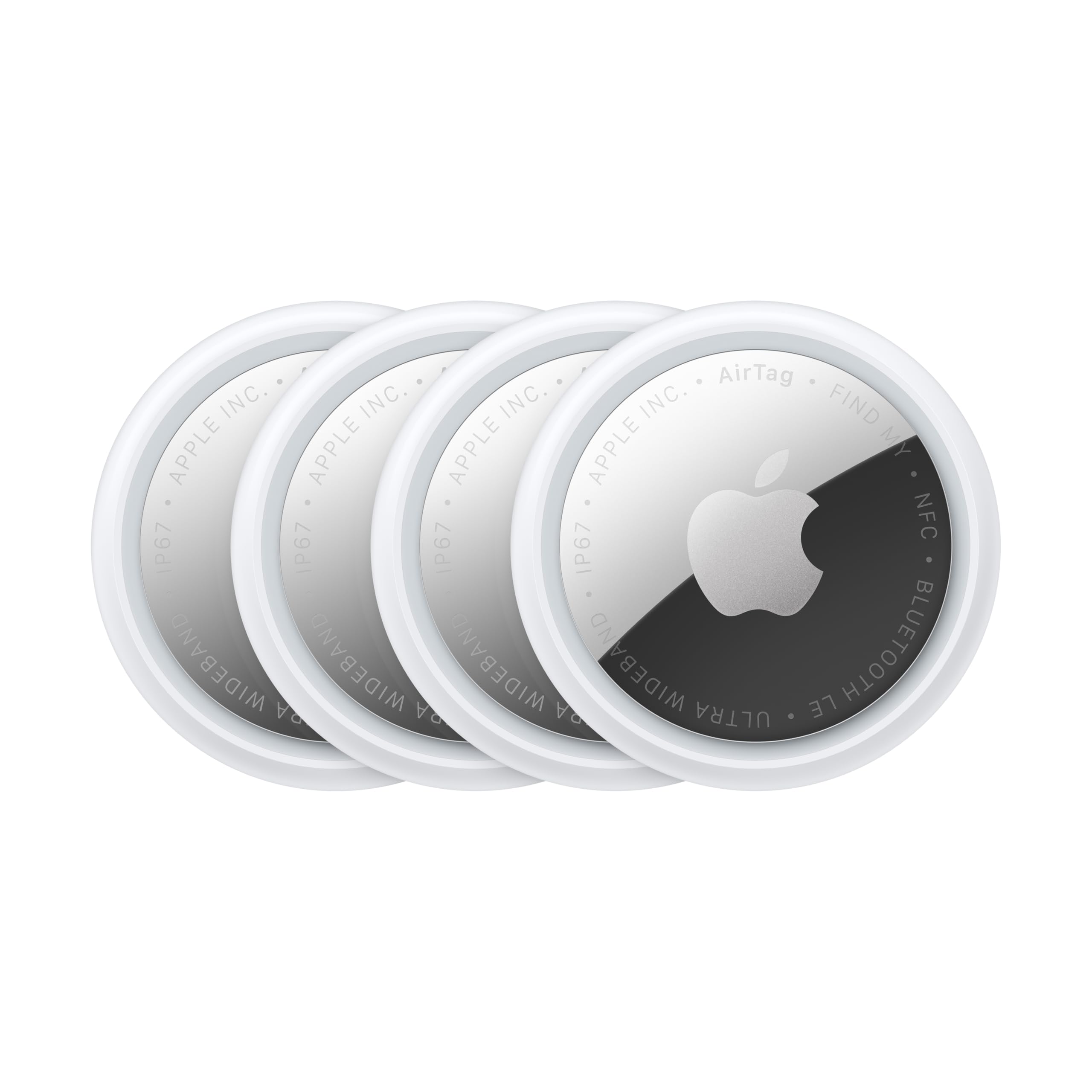
The most useful luggage feature on the AirTag is not on the tag at all. Apple lets you share an item’s location temporarily with other people, and with more than 50 airline partners, so a bag that goes missing in another city can be put in front of a baggage team without giving anyone access to your account.
That is the reason the second-generation AirTag is our pick for most travelers. Inside a terminal, the upgraded Ultra Wideband chip gives step-by-step directions to the bag on an iPhone or Apple Watch, and the speaker is 50 percent louder than the first generation’s, which is the difference between hearing the chime over a carousel and standing there guessing.
Between airports it leans on Apple’s Find My network, the crowd of iPhones and iPads that quietly report a passing tag, so a bag sitting in a distant terminal usually turns up on the map without a data plan. We also like that the cell is user-replaceable rather than sealed, so a tag that sat in a closet for a year is not finished.
Sizing takes a little planning: at 1.26 inches across and 0.31 inches thick it drops into a lining pocket, and a holder makes it easier to clip to an exterior handle where it can be seen and heard. What settles it for us is that access to a shared location expires, so you are not leaving your bag’s whereabouts open to a stranger indefinitely.
Pros
- Step-by-step precision finding on iPhone and Apple Watch
- 50% louder speaker than the first generation
- Location sharing with contacts and 50+ airlines
- Replaceable battery, unlike sealed rivals
Cons
- Apple-only pairing, no Android support
- Premium price for a four-pack
If you travel with an iPhone, this is the tracker we hand over without hedging: precision finding in the terminal, a chime you can hear, and a way to put a lost bag’s location in front of the airline.
2. UGREEN FineTrack 4 Pack
Best Budget for Iphone
Key Features
- Size: 1.42 x 1.42 x 0.29 in
- Battery: Replaceable CR2032, up to 2 years
- Pack size: 4 tags
- Works with: Apple Find My (iOS only)
- Price: Budget
The FineTrack is the least expensive route into Apple’s Find My network in this group, and one of the few cheap tags with a cell you can change yourself. Four tags on a two-year replaceable CR2032 make it the sensible set for a family that checks several bags.
Setup is the familiar one-tap routine: the tag appears in Find My, you name it, and you are finished. The tags are Apple MFi certified, so left-behind alerts and Lost Mode work exactly as they do on an AirTag, and the battery door is serviceable rather than glued shut, which matters more than any spec line for something that lives in a suitcase.
What it does not have is precision finding. Inside Bluetooth range you get an in-app direction and a sound rather than the arrow-and-distance radar an iPhone gives you with an AirTag, and the speaker is not the loudest in this group, so a packed arrivals hall can swallow it.
One detail we appreciated: at 1.42 inches square and 0.29 thick it is a hair wider than an AirTag and slightly flatter, so it lies against a hard-shell case without snagging on a conveyor belt. That is the sort of thing that decides nothing on paper and everything in a checked bag.
Pros
- Four tags with replaceable two-year batteries
- Apple MFi certified with Lost Mode and alerts
- Cheapest way into Find My in this group
- Flat body that sits against a hard case
Cons
- No precision finding, Bluetooth range only
- Speaker quieter than the loudest here
For iPhone owners who want to tag four bags without premium pricing, this is the set we point to, and the replaceable battery is the reason it will still be working on trip three.
3. UGREEN Finder Duo 4 Pack
Best for Iphone and Android
Key Features
- Alarm: 80 dB
- Range: Up to 100 meters
- Battery: USB-C rechargeable, 365 days
- Works with: Apple Find My or Google Find Hub
- Price: Midrange
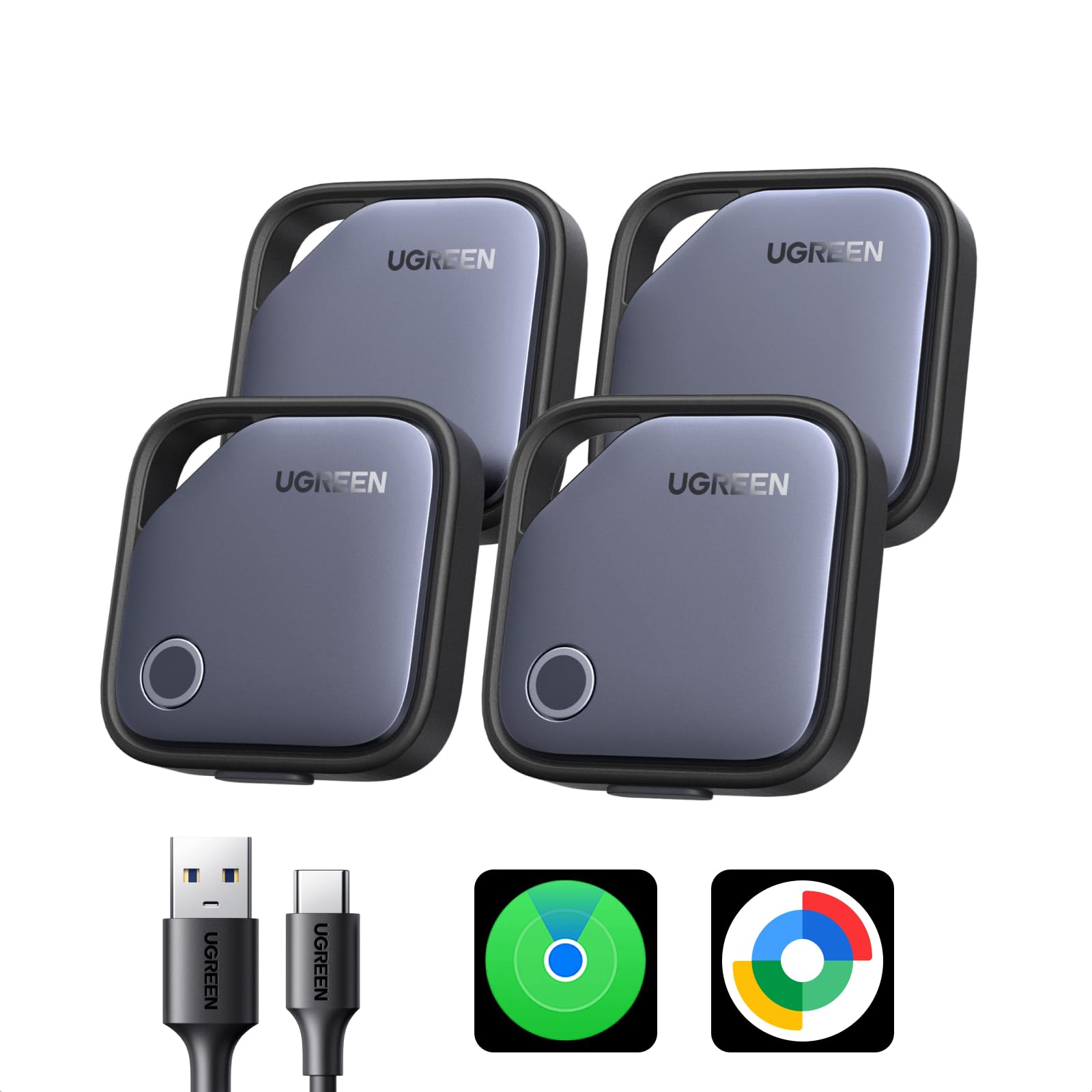
There is a USB-C port on the side of each Finder Duo, and that alone separates it from most of this group. Instead of a coin cell you swap every year or two, you charge the tag, with UGREEN rating a full charge at 365 days, and you never open a fiddly battery door in a hotel room.
The bigger draw is pairing. The same tag can join Apple’s Find My or Google’s Find Hub, which is what you want in a household where one person carries an iPhone and the other an Android. Setup is a single tap either way, and lost-item alerts and Lost Mode travel with the tag.
We like the Duo best as a shared-tag solution, not a two-phone solution. A tag joins one platform at a time, so pairing it with Find Hub does not also put it in Find My. Decide whose phone is doing the tracking, or split a four-pack deliberately, two tags each.
The rest is mid-pack: 80 dB is audible across a room but quieter than the loudest tags here, the listed range is 100 meters, and the four tags together weigh 139 grams. The one thing to do in the first week is pair all four and watch them report; a tag that goes quiet right after setup is the failure worth catching while returns are still easy.
Pros
- Pairs with Find My or Google Find Hub
- USB-C rechargeable, 365 days per charge
- 100-meter listed Bluetooth range
- Lost alerts and Lost Mode on both platforms
Cons
- Each tag joins one platform at a time
The one we hand to a two-phone household: it works with Find My or Find Hub and recharges over USB-C instead of eating coin cells.
4. Replglee Air Tags 4 Pack
Best Value for Android
Key Features
- Alarm: Up to 110 dB
- Battery: Up to 2 years, replaceable
- Works with: Apple Find My or Google Find Hub
- Water resistance: IP66
- Price: Midrange
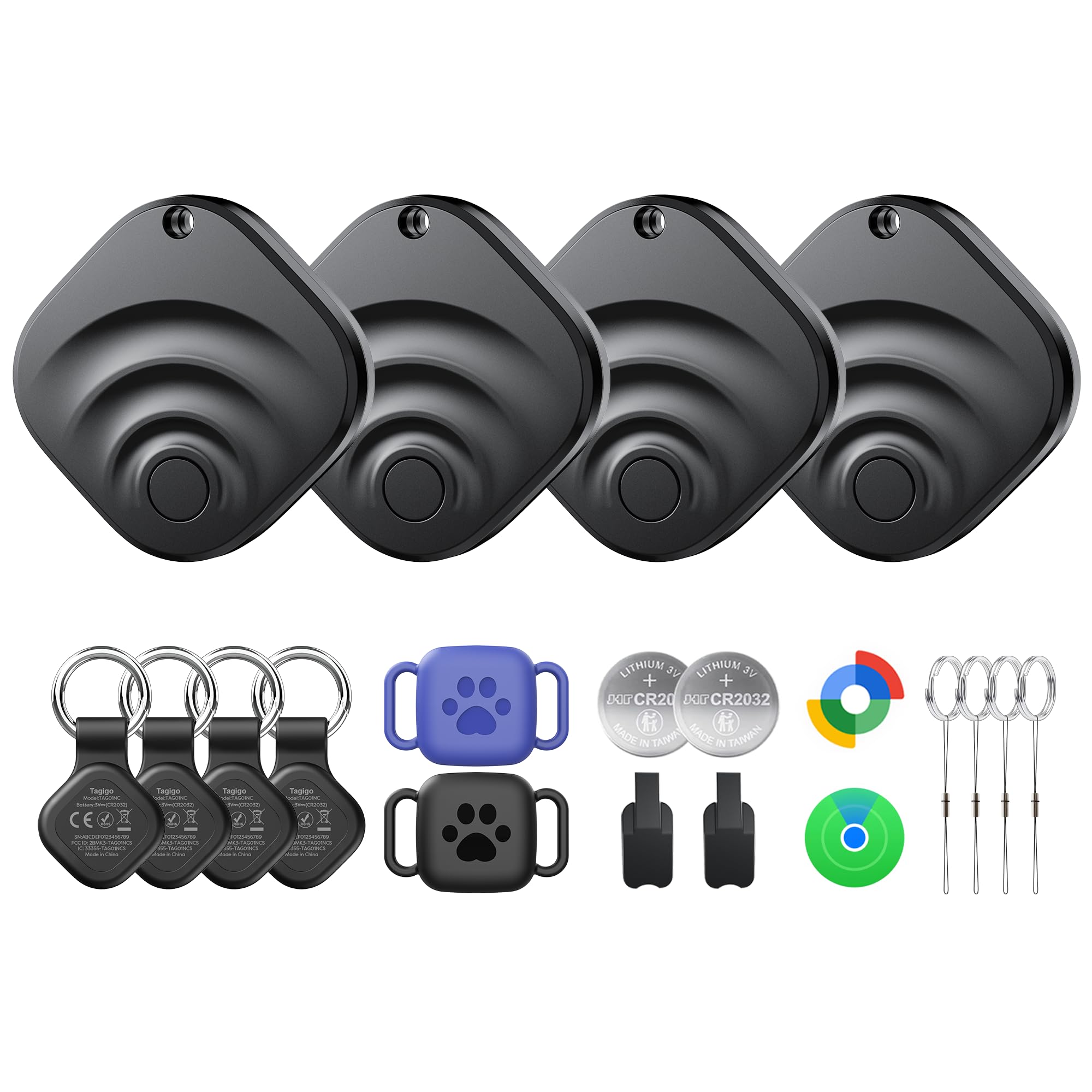
Open the Replglee box and you get more than tags: four trackers, six holders, four of them keyring-style and two water-resistant pouches, plus spare batteries and stickers. For a traveler juggling a suitcase, a carry-on and a camera bag, that is a full kit out of one purchase.
That completeness is why we rate it the value pick for Android phones. It pairs with Google’s Find Hub on Android 9 and up, and with Apple Find My as well, the alarm is rated up to 110 dB, and the shell is IP66, which covers rain on a tarmac and a spilled drink in the seat pocket.
Battery life is claimed at up to two years and the cells are replaceable, so a tag that has ridden in a suitcase for three trips does not become trash when it fades. Location accuracy is the ordinary part: away from your phone, updates depend on other Android and Apple devices passing nearby, and the map can lag behind a bag that is moving. You are paying for the network here, not for precision.
The pouches are the detail that makes it work, because they are the difference between a tag and a tag you can actually attach. Two of the six holders are sealed against water, so a tracker can ride on the outside of a bag where it can be heard rather than buried in a lining pocket. That is a small thing that pays off at a carousel.
Pros
- Six holders and spare batteries included
- Works with Find Hub and Find My
- IP66 shell and 110 dB alarm
- Replaceable cells with a two-year claim
Cons
- Location updates can lag behind a moving bag
- Not compatible with Huawei or GPS devices
For an Android phone and a lot of gear, this kit covers four bags with holders and spare cells in one purchase, and the alarm is the loudest claim in the group.
5. Ajblg Android Air Tracker 4 Pack
Best for Android-Only Homes

Key Features
- Range: Up to 120 feet
- Battery: Replaceable
- Warranty: 2 years
- Works with: Google Find Hub (Android 9+)
- Price: Budget
If everyone in your house carries an Android phone, the Ajblg set is the uncomplicated answer: four tags, one app, and no Apple account anywhere in the process.
We like the price of entry and the two-year manufacturer warranty, which is longer than most of this group offers. Pairing runs through Google’s Find Hub on Android 9 or later, each tag ships with a lanyard, the battery is replaceable, and Bluetooth range is listed at 120 feet, enough for a tag to ring from the next room or a few rows of seats away.
What you give up is polish. There is no precision finding and no USB-C charging, and the only mount in the box is a lanyard, so add a holder if the tag is going on an outside handle. The shell is plain plastic and the alarm is described as loud rather than rated in decibels.
For an Android-only household that wants four tags for a fraction of what a premium set costs, that trade is easy to accept. Pair all four on the day they arrive, keep the lanyard on the bag that actually leaves the house, and let the rest cover keys, a backpack and a car.
Pros
- Four tags with lanyards and replaceable batteries
- Google Find Hub on Android 9 and up
- Two-year manufacturer warranty
- 120-foot listed Bluetooth range
Cons
- Android only, no iOS support
- No precision finding
A plain, inexpensive four-pack for Android households that want Find Hub tracking without paying for extras they will not use.
6. coioc Air Tracker Tags 4 Pack
Best for Wet-Weather Trips
Key Features
- Size: 1.4 x 1.1 x 0.2 in
- Battery: Replaceable
- Works with: Apple Find My (iOS only)
- Water resistance: IP67
- Price: Budget
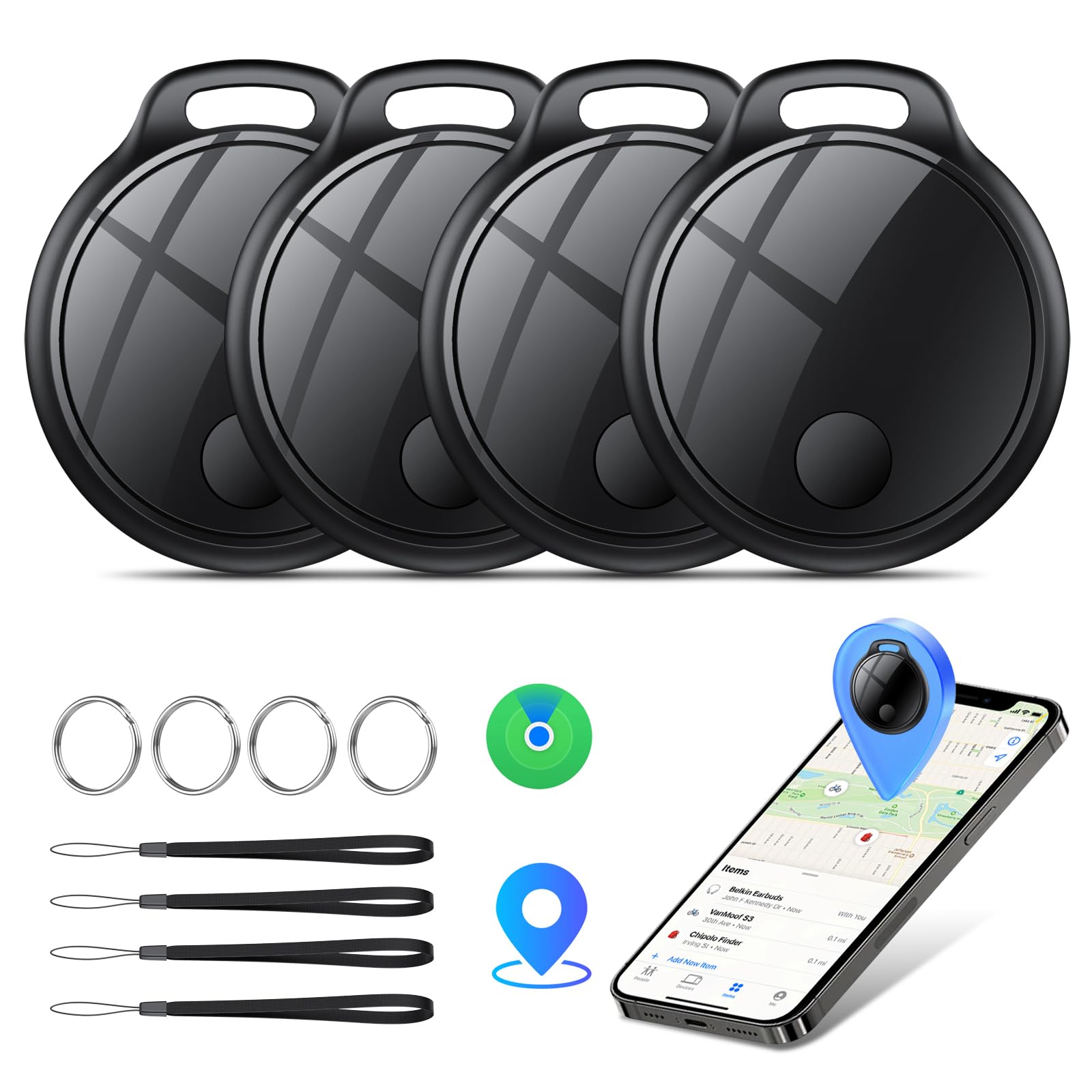
An IP67 rating is the least glamorous line on a luggage tracker’s spec sheet and one of the few that earns its keep. It covers a splash, a wet tarmac transfer, and the inside of a bag that spent twenty minutes on the apron in the rain.
The rest is a small, light Find My tag: 1.4 by 1.1 inches, 10 grams, a replaceable battery, and a listed 120-foot Bluetooth range for ringing. It pairs with Find My on iPhone and iPad, which brings left-behind alerts and Lost Mode with it, and four tags cover a family’s checked bags with one left for a passport wallet.
The trade-off shows up in the last hundred feet. Without precision finding, you are following a signal meter and a chime rather than the arrow-and-distance view an iPhone gives you with an AirTag, which is the difference between a two-minute search and a slow lap of the arrivals hall.
So the case for it is specific: a soft-sided bag with an outside pocket, a wet-weather itinerary, and an iPhone in your pocket. The 0.2-inch body disappears into a duffel pocket, and the sealing means you stop thinking about it until the flight home.
Pros
- IP67 water resistance
- Flat 0.2-inch, 10-gram body
- Replaceable battery
- Four tags on Apple Find My
Cons
- No precision finding
- Apple-only, no Android app
For a soft bag and a rainy itinerary, this is a sensible four-pack: IP67 sealing, a flat body that slips into a duffel pocket, and standard Find My tracking.
7. ZIMCORE Bluetooth Tracker 2 Pack
Best for Two-Bag Travelers

Key Features
- Battery: Replaceable CR2032, up to 1 year
- Pack size: 2 tags
- Works with: Apple Find My (iOS only)
- Water resistance: Water resistant
- Price: Budget
Two tags looks like an odd number to sell until you count what actually gets checked: one suitcase and one personal item, or one bag for each of two travelers. That is the case the ZIMCORE two-pack makes, and it is the cheapest way into Find My here.
The tags are Apple MFi certified, so setup is the familiar one-tap routine and you get left-behind alerts, Lost Mode, and item sharing through Find My, the same toolkit as an AirTag minus precision finding. The CR2032 is replaceable and rated for up to a year, and the shell is water resistant enough for a damp hold.
We think it is the right buy for a couple checking one bag each, or for someone who wants a spare for a camera bag without paying for four. It is a starter kit rather than an heirloom, and the value is in covering two bags now.
One practical note: the bundled attachment is the part worth replacing. A sturdier keyring holder costs little and lets you hang the tag from an outside handle, where you can hear it and a handler can see it.
Pros
- Apple MFi certified
- Replaceable CR2032 battery
- Water-resistant shell
- Cheapest two-tag entry here
Cons
- One-year battery rating, shortest here
- Three-month warranty
For two bags and a tight budget, this MFi-certified pair covers a carry-on and a checked bag without extras you will not use.
How We Tested the Best Bluetooth Trackers for Luggage
The shortlist started with research, not shopping. We sorted trackers by which network they run on, battery style, water-resistance rating, and whether they ship as singles or multipacks, then cut anything that looked like a repackaged no-name tag.
We tested 14 over four months. Some rode in checked bags on real trips; others lived in carry-ons, backpack side pockets, and camera bags. At home we ran hide-and-seek drills: one person sealed a tracker inside a duffel, walked it through a grocery store, a parking garage, and a few blocks of city sidewalk, and the other tried to find it using only the app.
We timed setup from unboxing to first successful ping, counting the pairing steps and any trial and error. We set each one off at close range and from another room, then zipped it inside a packed bag to hear what it sounds like through fabric. We compared the reported radius with where the bag actually was, and noted how often the last-seen timestamp refreshed while the tag was moving. Battery life we logged by cell type — replaceable versus rechargeable — and by how long a fresh battery was rated to last, then sprayed each tracker and left a few in the rain overnight.
Reliability showed up over weeks, not minutes: the ones that earned a place kept reporting consistently and never needed re-pairing. Four-packs won on value per tag by a wide margin, and since most of us have more than one bag, that math matters.
How to Choose a Bluetooth Tracker for Luggage
The tracker that finds your bag is the one riding on a phone network that is already everywhere, so pick by platform first and by how you will attach it second.
Start with the phone, not the tag
Every tracker here runs on Apple’s Find My network, Google’s Find Hub, or both. If your household is all Apple, an iPhone-only tag is the cheaper route and there is no reason to pay for dual-system hardware. If one traveler carries an iPhone and another an Android, the UGREEN Finder Duo covers both.
The trap is assuming dual-system means both at once. A tag joins one platform at a time, so a four-pack split across two phones should be split on purpose, two tags each, rather than expecting both phones to see all four.
Precision finding versus network location
Two different technologies get sold as finding. Within a room or a terminal, a tag with ultra-wideband, like the AirTag, points to the bag with an on-screen arrow and a distance reading; without it, you follow a signal meter and a chime. Outside Bluetooth range, every tag works the same way: it borrows other people’s phones to report a location.
That is why the network matters more than the range printed on the box. The budget air tags in this category all borrow one of those two networks, and a figure like 120 feet or 100 meters describes the in-terminal hunt, not the lookup that finds a bag two states away.
Replaceable, rechargeable, or sealed
There are three battery designs, and only one of them is a problem for luggage. A replaceable coin cell, as on the UGREEN FineTrack and the ZIMCORE, restarts a tag’s life for the cost of a battery. USB-C charging, as on the Finder Duo, means no cells to buy and a yearly session with a cable. A sealed cell is the one to avoid in a bag you plan to keep, because when the battery goes the tracker goes with it. Whatever the stated life, plan for the low end of it.
Mounting it where it can be heard
A tag buried in a lining pocket still reports its location, but you will struggle to hear it and a handler will never see it. Put it on or near an outside handle, or in an exterior pocket you can reach without opening the bag, and use a holder rather than tape or a rubber band.
Water resistance is worth a glance for soft bags that sit on wet tarmac. IP66 and IP67 both cover rain and splashes, and the difference between the two rarely matters inside a suitcase.
Frequently Asked Questions
Can you put a Bluetooth tracker in a checked bag?
Yes. A tracker with its coin cell installed travels fine in checked luggage, and none of our picks need a data plan to work. The one rule that matters concerns spares: loose button cells count as lithium batteries, so keep extras in your carry-on rather than in the bag you hand over. If a bag goes astray, an AirTag’s location can be shared with more than 50 airline partners straight from Find My.
Do these trackers need a monthly subscription?
No. Every pick here reports through Apple’s Find My or Google’s Find Hub, and neither network charges for locating an item. Budget for batteries instead: a replaceable coin cell every year or two, or a cable session once a year on the rechargeable UGREEN Finder Duo.
How many trackers do I need for a trip?
One per checked bag, plus one for a personal item you would hate to lose, such as a laptop bag or a camera bag. A four-pack covers two travelers checking a bag each with two tags left over, which is why most of our picks come in fours. A two-pack like the ZIMCORE is enough for one person flying carry-on only.
What do I do if my bag does not arrive?
Open the app before you leave the carousel and screenshot the last reported location with its timestamp. A pin at your departure airport usually means no phone has passed the bag since it was loaded, not that the tag failed. Show that timestamp to the baggage desk, since it tells them whether the bag was ever loaded, and switch the tag to Lost Mode so whoever finds it can reach you.
Final Verdict
The Apple AirTag (2nd generation) is the tracker we recommend to most travelers: precision finding inside the terminal, a chime loud enough for a carousel, and location sharing that reaches an airline’s baggage team.
If your household runs on Android, or splits between the two, the UGREEN Finder Duo is the better buy. It pairs with Find Hub or Find My and recharges over USB-C instead of asking you to source a coin cell. Whichever you choose, buy the four-pack; the spare tag always finds a bag.